
Being asked for documents can feel intrusive, especially when you only want to check cricket odds or place a small bet. In Great Britain (GB), verification is not just “a company preference” — it’s a key part of how regulated gambling is supposed to work.
This page explains what the checks are for, what information may be requested, and what you can do if you feel uncomfortable — without any tips on avoiding checks.
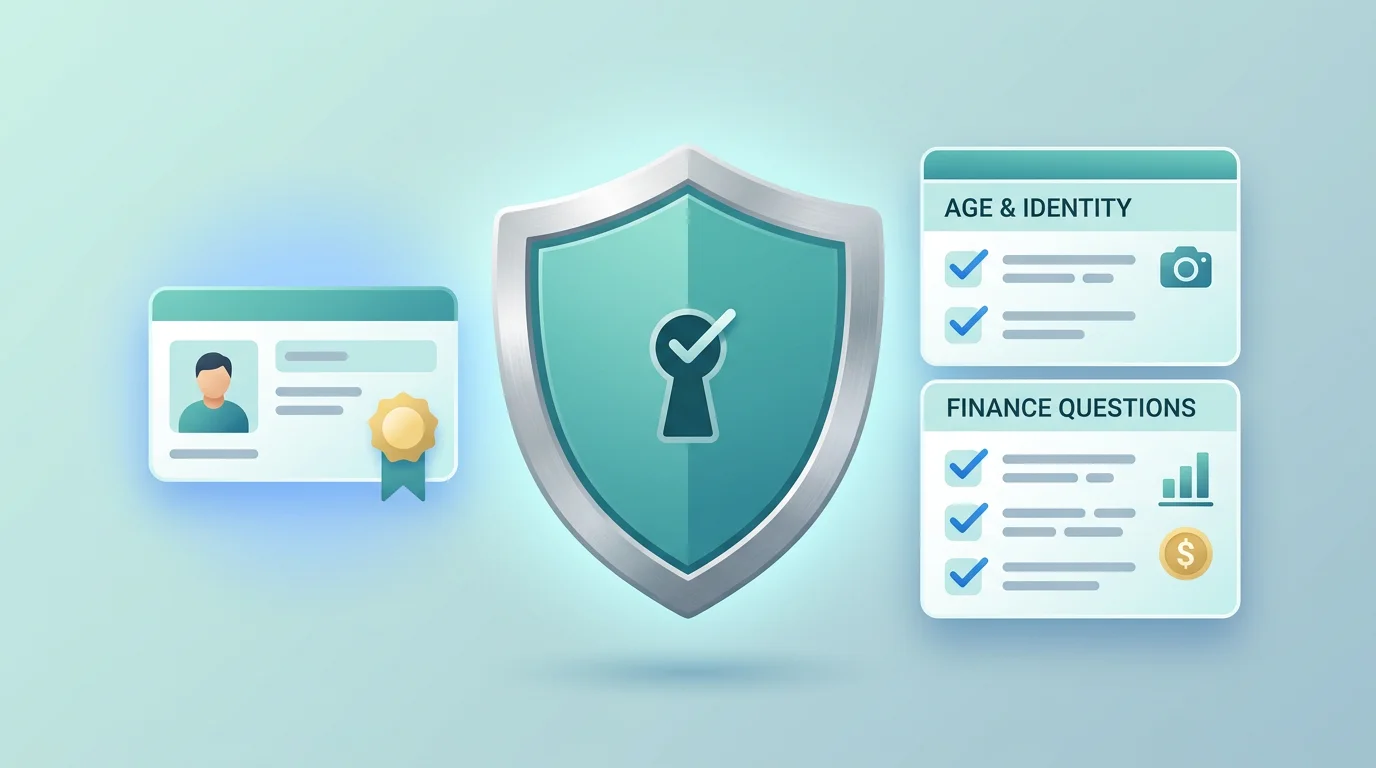
Verification is mainly about age, identity and safety checks — not about your cricket knowledge or betting skill.
GB Betting Verification: Age and ID Requirements for New Accounts
UK Gambling Commission (UKGC) guidance says online gambling businesses in Great Britain must ask you to prove your age and identity before you can place a bet. Until you are verified, you should not be able to gamble.
That can be surprising if you’ve used other online services where checks happen “later”. In regulated gambling, the aim is to stop underage gambling, reduce fraud, and enforce protections like self-exclusion.
Why you may be asked for ID
UKGC explains that businesses may ask for ID to:
In practice, that means confirming your age and identity, checking self-exclusion records, and helping prevent fraud and misuse.
Document types vary by business and situation. UKGC gives examples such as a passport, a driving licence, and utility bills. Treat any list as “examples that may be requested”, not as a guarantee of what will be accepted.
Processing times can vary. A sensible rule is to avoid making plans that depend on being verified “by a certain hour”.
Why businesses may ask about your finances
Finance questions can feel personal, but UKGC guidance explains why they can happen. At a high level, businesses may need to check that money is legitimate (anti-money laundering checks) and to reduce the risk of customers getting into financial difficulty.
In practice, this can range from simple questions to requests for supporting information. UKGC gives bank statements as an example of the kind of document a business might ask for in some cases.
The safest way to think about it is: if the business asks for finance information, it is usually trying to meet regulatory duties. The right response is to ask for a clear explanation of what is needed and why, rather than trying to “game” the system.
Step-by-step: what verification can look like
Every business has its own process, but a typical flow in Great Britain looks like this:
- Create an account. You provide basic personal details. Be accurate and consistent — mismatches often create delays later.
- Age and identity verification. The business asks for proof of age/ID and checks it. Until this is completed, you should not be able to place bets.
- Ongoing checks as activity changes. If your activity changes (for example, higher spend or larger withdrawals), the business may ask follow-up questions to confirm identity and reduce fraud.
- Possible finance questions. In some situations the business may ask about your finances or request documents such as bank statements, based on its duties and risk checks.
- If you can’t complete verification. Ask the business what alternatives it accepts and what your options are. If you do not want to provide the requested information, you may need to stop using the service and follow the complaints route for any unresolved issues.
If you want to understand how verification can connect to withdrawals and payment controls, see payments and withdrawals in GB.
Common reasons verification stalls (and what you can check safely)
Even when you are providing genuine information, verification can stall for simple reasons. These are not “hacks” — they are basic quality checks that help the business avoid mistakes.
One common cause is that details don’t match: a different spelling, a shortened name, or an old address can trigger extra questions, so use your real details and keep them consistent across your account and documents. Documents can also be rejected when they are unclear, because blurry photos, cut-off corners, glare, or low resolution may make an ID unusable. If you re-upload anything, follow the business’s guidance on what must be visible.
Out-of-date documents can create another delay, since expired ID is a common reason for re-requests. You may also be asked for “one more thing” when the first document confirms identity but not address, or confirms age but not enough to complete every required check. In that situation, ask the business what gap it is trying to close.
None of this guarantees speed. It simply reduces avoidable back-and-forth.
If you’re uncomfortable: safe options that don’t involve avoidance
It’s reasonable to ask questions before sharing personal information. Instead of avoiding the request, ask for the reason in plain English: “What exactly do you need, and what is it used for?” You can also ask what format is acceptable, such as whether photos are fine, whether a scan is needed, and whether a specific document type is required or just one of several options.
Use only official upload routes, preferably the secure area inside your account, and be cautious with email attachments and links from messages. If anything feels off, pause and verify that you are dealing with the right business through the UKGC public register. If you believe the request is unreasonable or the handling is poor, escalate calmly through the business’s complaints procedure and keep communication written. If the issue remains unresolved, you may be able to escalate to ADR (see complaints and ADR).
Data protection concerns: the official complaint route
If you think an organisation has misused your personal data, GOV.UK guidance says to complain to the organisation first. If you are not satisfied with the response, you can escalate to the Information Commissioner’s Office (ICO) using its official complaints process.
Official pages:
GOV.UK: Make a complaint (data protection) and ICO: Make a complaint.
This is general signposting, not legal advice. If you need personal advice, consider speaking to a qualified professional.
Basic security when sharing documents
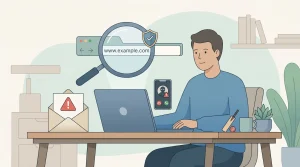
Verification is also a moment when scammers try to impersonate legitimate services. A few simple habits help:
Good habits include typing the website address yourself and double-checking the domain before logging in, avoiding links from unexpected emails or texts, using a strong password (the UK National Cyber Security Centre suggests the “three random words” approach), and turning on two-step verification if the service offers it.
What not to do:
Don’t share someone else’s documents or alter information — that can create bigger problems and may lead to account restrictions. Don’t send ID images to “support” accounts on social media, and don’t keep re-submitting different details in the hope that something “sticks”.
A short safer-gambling note
If gambling is starting to feel stressful, using limits or taking a break can help. Great Britain has established safer-gambling tools and support services. See safer gambling tools and support for practical options.