
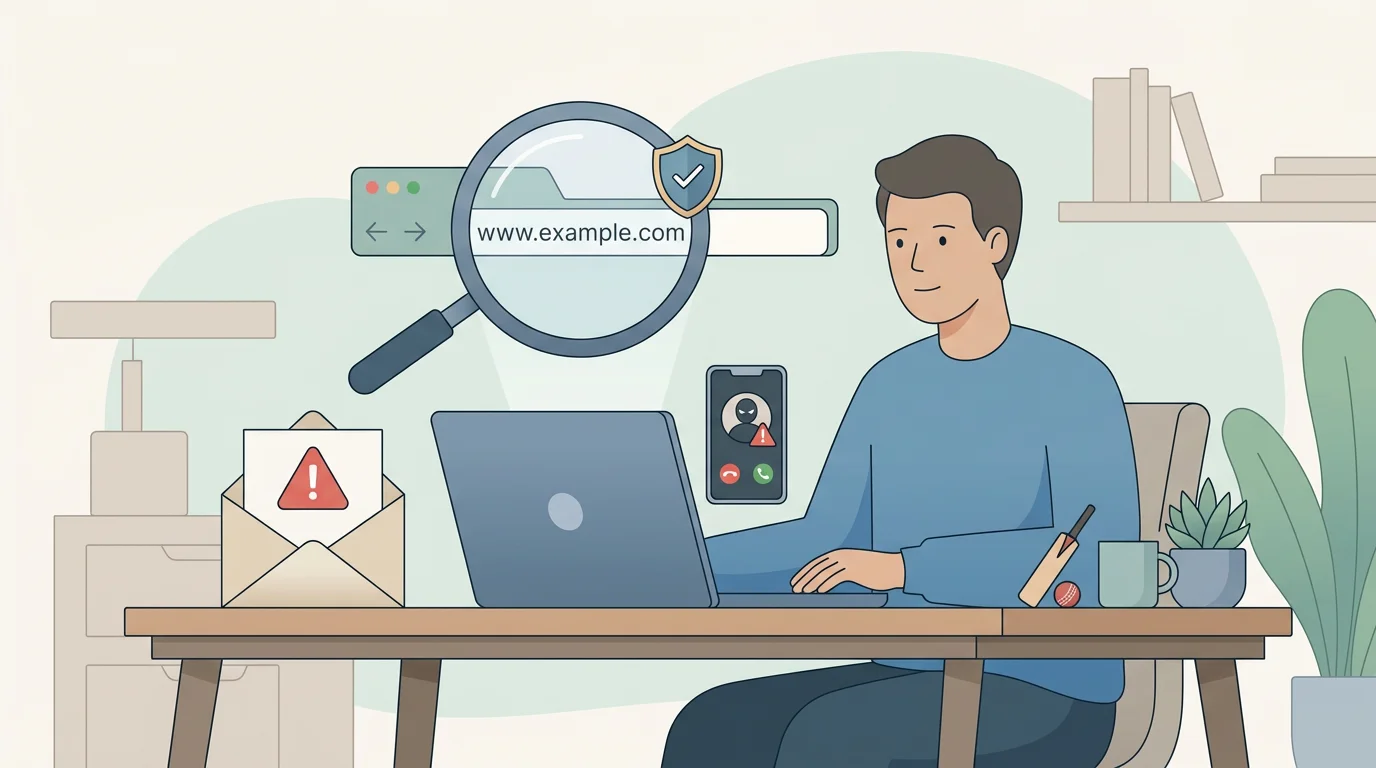
Checking cricket odds online often means moving between websites, apps, emails, and payment screens. That’s exactly where scammers try to intercept you: with lookalike sites, fake “support” messages, or urgent warnings that push you into a mistake.
This guide explains phishing and common scam patterns in plain terms, then gives safe, official reporting routes in the UK. It does not include technical hacking details—only practical, protective steps you can take.
Analyzing Betting Phishing Tactics and Account Security
Phishing is when a scammer uses messages, websites, or calls to trick you into handing over information or money. The message often looks “official” and pushes urgency: account locked, suspicious activity, refund waiting, or a limited-time offer.
When the goal is to steal access, they may try to capture your password, a one-time code, or payment details. When the goal is to steal money directly, they may steer you to a fake payment page or ask you to “verify” details.
Common warning signs include a link that looks right at first glance but uses a slightly different domain, pressure tactics such as “do this now” before your account is closed or funds frozen, and requests you would not expect from a legitimate service, such as sharing a one-time passcode or installing unknown software.
Licence checks matter for safety, not just legality
In Great Britain, the UK Gambling Commission warns that unauthorised gambling businesses may use false names, addresses, and contact numbers. That makes it easy for a scammer to look credible at a distance.
A simple defensive habit is to verify whether a business is listed in the UKGC public register before you share data or money. If you’re not sure, don’t rely on the contact details on the site itself—use official sources.
Useful references are UKGC guidance on Scams and fraud, the Public registers and datasets hub, and our internal guide How to check UKGC licensing.
Risk map: common scam scenarios and the safest response
Use this as a quick “what should I do now?” reference. If you’re unsure, the safest response is usually to pause, close the message, and re-open the service through a route you trust.
| Scenario | Typical warning signs | Safest response |
|---|---|---|
| Lookalike odds site or “mirror” page | The address is slightly off; the page asks you to log in again; the design feels familiar but links behave oddly. | Close the tab. Type the address manually or use a saved bookmark. Check the business in the UKGC register before logging in. |
| “Account locked / suspicious login” email or text | Urgent tone, generic greeting, and a link to “verify” details right away. | Don’t click the link. Go to the site/app through your normal route. If you need to contact support, use contact details from the official site you reached directly. |
| Fake customer-support number or chat | A phone number appears in a pop-up, ad, or search result; the agent asks for codes or remote access. | End the conversation. Use the operator’s official support page reached via a typed address. Never share one-time codes. |
| Payment diversion | You’re asked to send money to a new account, a “processing agent”, or a different method than usual. | Stop. Verify instructions through the official site/account area. If money has already moved, contact your bank immediately and report the fraud. |
| “Too good to be true” tips or guaranteed returns | Promises of certainty, pressure to pay for access, or claims that results are guaranteed. | Treat it as a scam. Don’t send money or share personal data. Remember: legitimate betting always involves risk and uncertainty. |
| Fake app download or update prompt | A website asks you to install an app from an unknown source or to “update” outside an official app store. | Do not install it. Only install or update apps through official app stores and device settings. |
How to make sure you’re on the real site before you log in
This is the most useful habit when you’re checking odds quickly: always treat the login screen as a “high-risk moment”. If you land there from an email, a pop-up, or a random link, slow down and verify.
A safe routine doesn’t need technical skills:
- Close the message or ad that led you there.
- Open a fresh browser tab and type the address yourself (or use a saved bookmark you created earlier).
- Check the domain carefully. Scammers often rely on tiny spelling changes that are easy to miss at speed.
- If you’re unsure the business is legitimate, use official sources first: the UKGC public register and our internal guide How to check UKGC licensing.
- Only then log in, and never share a one-time code with anyone—even if the request looks urgent.
Account security checklist you can apply today
Scams don’t always require a sophisticated hack. Many succeed because people reuse passwords or respond quickly to a scary message. The checklist below focuses on changes that lower risk without needing technical skills.
- Use a strong, unique password for each betting account. The UK National Cyber Security Centre recommends a “three random words” approach for memorable strength.
- Turn on multi-factor authentication (MFA) or passkeys if the service offers them.
- Use a password manager if you struggle to keep passwords unique.
- Keep your phone and browser updated so known security flaws are patched.
- Check whether your bank offers transaction alerts. Fast detection limits damage if something goes wrong.
How to report phishing and fraud in the UK
Reporting helps protect other people and can support an investigation. Use official reporting routes rather than forwarding messages to random addresses.
GOV.UK explains how to report suspicious emails and websites: Avoid and report internet scams and phishing.
If you’ve lost money or believe a crime has occurred, you can report it via Report Fraud (the UK police reporting service for fraud and cyber crime).
- Save evidence (screenshots, email headers if you know how, transaction references) without interacting further with the scammer.
- Change passwords on affected accounts, starting with your email account if it could be compromised.
- Contact your bank promptly if payments or card details may be exposed.
Quick questions people ask after a scare
If something has just happened (a click, a call, a payment prompt), you usually need a calm checklist more than a deep explanation.The message says my account is locked. Should I use the link?
No. Don’t use links in unexpected messages. Go to the service through your normal route (typed address, official app) and check status there.
If it looks like phishing, follow official UK advice on reporting: GOV.UK reporting guidance.Someone on the phone says they’re “support” and asks for a code. Is that normal?
Treat it as a red flag. One-time passcodes are designed to prove it’s you—legitimate support should not need you to read them out.
For general phishing guidance, see NCSC’s phishing advice.I’ve reused my password. What’s the safest next step?
Change the password immediately, starting with your email account if that password was reused there too.
Create long, memorable passwords. The NCSC suggests the “three random words” approach: Three random words.
A final note on stress and gambling control
Being targeted by a scam can feel personal and overwhelming. If the stress pushes you toward impulsive betting or chasing losses, take that seriously and add support alongside security steps.
You can use the safer-gambling guide here: limits, self-exclusion and support.